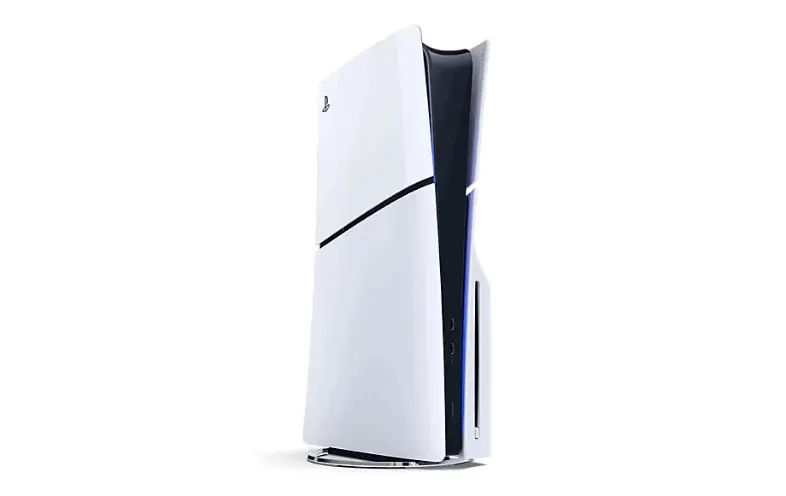
PS5 Won’t Turn On, Won’t Read Discs, or Sounds Like a Jet Engine? A Calgary Repair Tech’s Honest Guide
We’ve had a lot of PS5s come through the shop over the past year, and honestly, the console has a handful of problems that show up again and again. If you’re dealing with one of them right now, you’re not alone, and in most cases it’s fixable without buying a new system. Here’s what we actually see on the bench, in plain language.
The blue light of death (and why it’s not actually death)
If your PS5 powers on, the light flashes blue a few times, and then it shuts itself off — that’s the infamous “blue light of death.” People assume this means the console is toast. It usually doesn’t.
Nine times out of ten this is a boot failure caused by one of three things: a failing SSD/NAND chip, a corrupted system firmware area, or (less often) a power delivery fault on the motherboard. The console is trying to load the OS, failing the check, and shutting down as a safety measure. We diagnose this by checking voltage rails first, then attempting a controlled NAND reflash before assuming the board itself is dead. A full board swap should be the last resort, not the first quote you get.
Overheating and the fan that never shuts up
This is the one we see the most, especially in consoles that are three or more years old. Sony used liquid metal thermal compound on the CPU/GPU die in the PS5 instead of standard thermal paste, which is great for cooling when it’s fresh but genuinely bad news once it starts to migrate or dry out over time. When that happens, the APU can’t dump heat fast enough, so the fan ramps up to compensate — that’s the jet engine sound you’re hearing, even when you’re just sitting on the menu screen.
The fix is a full teardown, cleaning off the degraded liquid metal, and reapplying a proper high-conductivity compound (we don’t use standard paste here either — it undersells the cooling the console was designed around). Dust buildup around the intake vents makes this worse, so if your console lives on a carpet or inside a closed cabinet, that’s usually part of the story too.
Disc drive not reading, ejecting, or making a grinding noise
If you’ve got the disc edition and it’s refusing to read games, ejecting discs on its own, or making a clicking/grinding sound before spitting the disc back out — this is almost always mechanical, not electrical. The drive uses a small belt and a set of gears to load and eject; that belt stretches and slips with age and heavy use. We also check the laser assembly, since a weak or misaligned laser produces very similar symptoms to a bad belt, and the two fixes are completely different in cost.
One thing worth knowing before you troubleshoot yourself: don’t force a stuck disc out with a paperclip or by prying the drive open. We’ve had consoles come in where a well-meaning DIY attempt cracked the drive’s plastic carriage, which turns a $60 repair into a full drive replacement.
HDMI port damage
This one’s rarely the console’s fault. It’s almost always a bent pin from someone yanking the cable at an angle, or a cheap third-party HDMI cable that put lateral stress on the port over months. Symptoms range from “no signal at all” to intermittent flickering or a picture that only works if the cable is wedged at a certain angle.
The HDMI port is surface-mounted directly to the motherboard, so this is a microsoldering repair — not a part you can just unclip and swap. It’s precise work, but it’s a fraction of the cost of a full motherboard replacement, which is what a lot of people assume they need when this happens.
Controller drift is a different console, but we get asked constantly
Quick note since it comes up in nearly every PS5 conversation we have: analog stick drift is a DualSense issue, not a console issue, caused by wear on the potentiometers inside the stick module. We repair those separately and it’s usually a same-day fix — worth mentioning here because people often assume their console needs work when it’s actually just the controller.
What we’d tell you to check before booking a repair
A few things take two minutes and cost nothing:
• Unplug the console for a full 60 seconds (not a restart — actually pull the cable) before assuming it’s a hardware fault
• Check the wall outlet and power cable with a different device, since PS5 power supplies are more sensitive to unstable outlets than people expect
• Vacuum the rear vents gently with the console powered off — dust bridging the vents can mimic a thermal fault
If none of that changes anything, it’s time to have it looked at properly rather than opening it up yourself. PS5s use a lot of proprietary Torx screws and ribbon connectors that are easy to damage if you haven’t done it before, and a failed DIY attempt almost always increases the repair cost afterward.
Why we do this in-house
We’re a local shop in SE Calgary — we see McKenzie Towne, Mahogany, Cranston, Seton, and Auburn Bay customers regularly — and every PS5 that comes through gets diagnosed on the bench before we quote anything. No guessing, no “it’s probably the motherboard” without actually checking. If it’s a $40 fix, that’s what you’ll pay. If it genuinely needs a board-level repair, we’ll walk you through exactly why before doing any work.
If your PS5 is acting up, bring it in and we’ll tell you straight what’s wrong with it.